General Discussion
Related: Editorials & Other Articles, Issue Forums, Alliance Forums, Region Forums = new reply since forum marked as read
Highlight:
NoneDon't highlight anything
5 newestHighlight 5 most recent replies
= new reply since forum marked as read
Highlight:
NoneDon't highlight anything
5 newestHighlight 5 most recent replies

Ocelot II
(131,278 posts)like Postimages, https://postimages.org/ That will give you a link you can copy to your post on DU.

Cha
(320,761 posts)Cha
(320,761 posts)there want our credit card number but say they won't charge anything.
Why would they need our Credit care number?
Thank You!
Ocelot II
(131,278 posts)Cha
(320,761 posts)hell out of there.. whoosh!
It makes no sense.. except if somebody was hacking it?
I get all these messages about netflix and amazon that say my account is closed bc three's suspicious activity on them.
I just report them as Junk bc nothing is gong on with my accounts.
Thanks for replying.. Merry Christmas! 

Hermit-The-Prog
(36,631 posts)Cha
(320,761 posts)a lot of texts from scammers.
Some texts are about accounts being "suspended" that I don't even have.. like Pen pal.
The scammers aren't very smart and Apple takes them out fast.
Still on my quest to learn how to post photos from my phone on DU.
TY! Wishing you a Peaceful Holiday and New Year, Hermit.
CaliforniaPeggy
(157,012 posts)Here's the link to show you how. You need a photo hosting site to do it.
https://www.democraticunderground.com/103659987
Cha
(320,761 posts)a photo uploaded from your phone to DU?
I went to that "Post Images" link posted upthread and they wanted our Credit card Number but say they won't charge.
I don't want to give out my credit cared number for obvious reasons.
So I wonder how you do all your photos from your phone to DU?
Mahalo! Merry Christmas! 
Archae
(47,245 posts)
RockRaven
(19,771 posts)And if you don't know how, maybe.
Cha
(320,761 posts)found out a lot of things I wanted to know!
Woodswalker
(549 posts)
A HERETIC I AM
(24,908 posts)is to hit the "Preview" button BEFORE hitting the "Post My Thread" or "Post My Reply" button.
If you preview a post into which you have added a pic and it has text after the ".jpg" or .png or whatever, that text is not necessary.
For instance, I'll put up a random picture of a mountain I find by Googling "Mountains". I use Firefox as a browser, so when I go to Google images, and choose a pic by clicking on it, it appears in a window alongside the main window of images. I then right click and choose "Open image in new tab". This give you a clear look at the URL you are going to copy and paste to your DU post. Sometimes images will have text or symbols after the .jpg at the end. If they appear at the bottom of the photo when you hit Preview, it will look like this;
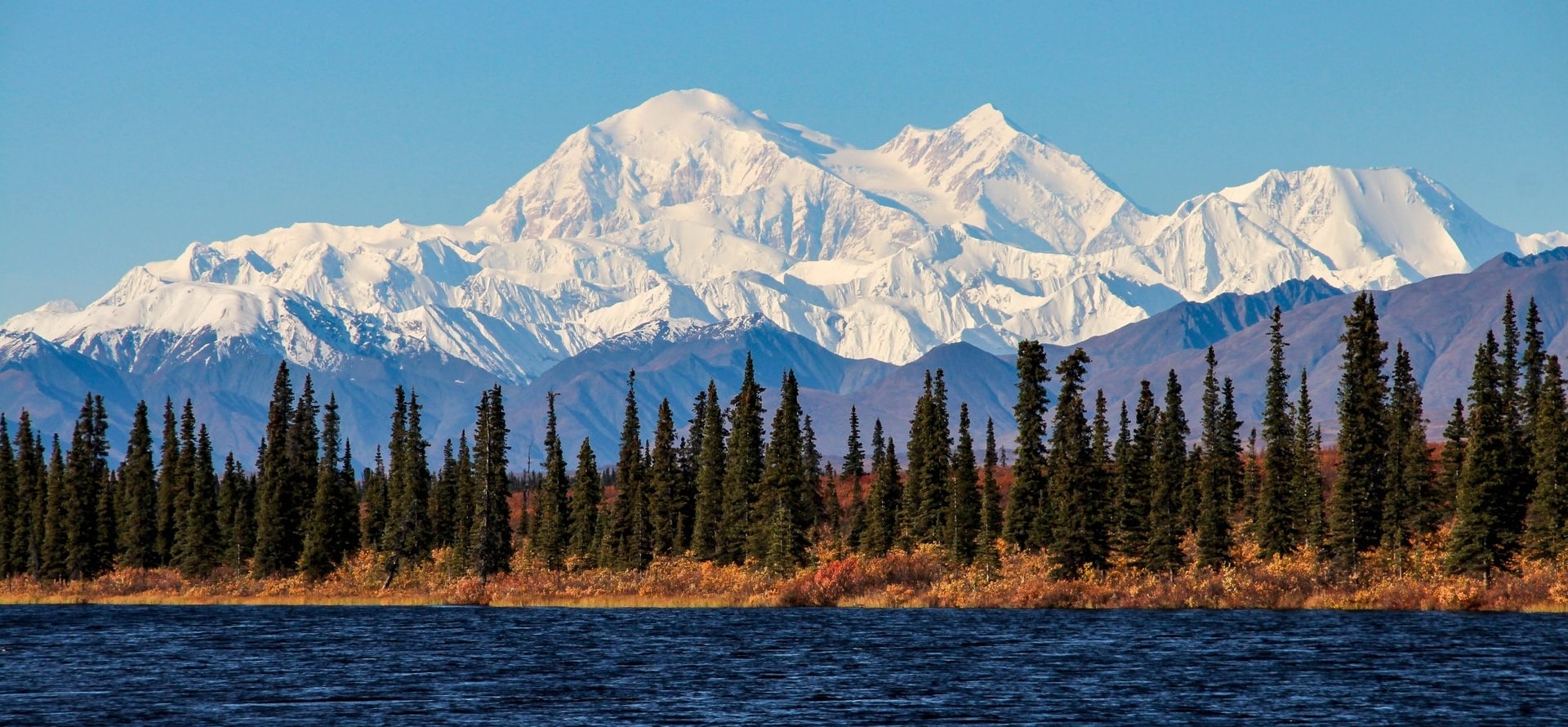 odne83k
That "odne83k" (which I intentionally added to make the point) is code the software does not need to put up the pic, so I go back to the text box and remove it, so the pic shows up like this;
The same goes for Twitter posts so many, including me, like to post on DU.
Using their share feature adds a bunch of useless code that can be removed to make your post look cleaner, like this;
Normal Twitter link code;
Link to tweet
?s=20&t=M9CFeUhofH5eghTSHhk-DQ
It's obvious that everything from the question mark onward is not needed, so I'll go back and remove it.
Link to tweet
Makes for a much cleaner looking post.
Have fun!

Celerity
(54,931 posts)
A HERETIC I AM
(24,908 posts)Folks that have been here for over a decade with tens of thousands of posts still leave all that clutter after their photos.
Drives me bonkers too!


Celerity
(54,931 posts)and paste it directly, you have to use the image url. Also, it doesn't automatically populate hyperlinks in text, so you have to do each one individually via the link button. All of it is very time consuming, but I am a bit of stickler for clean AND correctly detailed posts.
Another pet peeve of mine is that link button, as so many use it for simple posting of links and pics, and not for its proper usage, i.e. formatting hyperlinks into text.
they do this:
https://en.wikipedia.org/wiki/Chorip%C3%A1n
or this:

instead of correctly doing this:
https://en.wikipedia.org/wiki/Chorip%C3%A1n
or this:

A HERETIC I AM
(24,908 posts)Did you mean to do this for your sandwich link?
A Choripán
Is that what you meant to do?
And this;
Here's a pic of the sandwich
Or am I missing your point?
Celerity
(54,931 posts)let's say they were simply trying to post a link or a pic (not insert into text, like you did and how the link button is supposed to be used)
they use it for the link, instead of just pasting the link directly
same for a pic url
so you get many posts (see it in OPs all the time) with the url link looking like this:
https://en.wikipedia.org/wiki/Chorip%C3%A1n
or, for pics, they look like this
they do the same mistake with tweets:
Link to tweet
there is no need to use the link button, unless you are trying to embed a link into text (like you did correctly in your reply)
hope that clears it up

A HERETIC I AM
(24,908 posts) Celerity
(54,931 posts) 
electric_blue68
(27,369 posts)A HERETIC I AM
(24,908 posts)
Glad you found it helpful.

Emrys
(9,205 posts)you can also hotlink some images hosted on other sites. I say "some" as different sites have different attitudes to hotlinking, as they may be sensitive to people effectively stealing some of their bandwidth.
As long as the image ends in the suffix .jpg, .jpeg or .png it should display as long as the host site doesn't have hotlinking blocked. Some media sites carry images which can't be hotlinked in this way as their URLs don't end in any of those suffixes. As mentioned elsewhere in the replies, you need to use the post preview function to check whether the image will display on DU.
Twitter images can also be hotlinked, but it's a little more involved. If you see a Twitter image you want to post, say you're using Firefox, you need to left-click on the image so it displays in isolation, then right-click on it and a variety of choices will appear. Select Copy image link then you can paste the URL into the DU posting or reply box. Choosing a random image I found, you'll end up with a URL something like this:
https://pbs.twimg.com/media/FkavoqmWIAIh7W1?format=jpg&name=large
You need to delete everything from the ? onwards (including the ? ) and replace it with .jpg. It should then display like so:
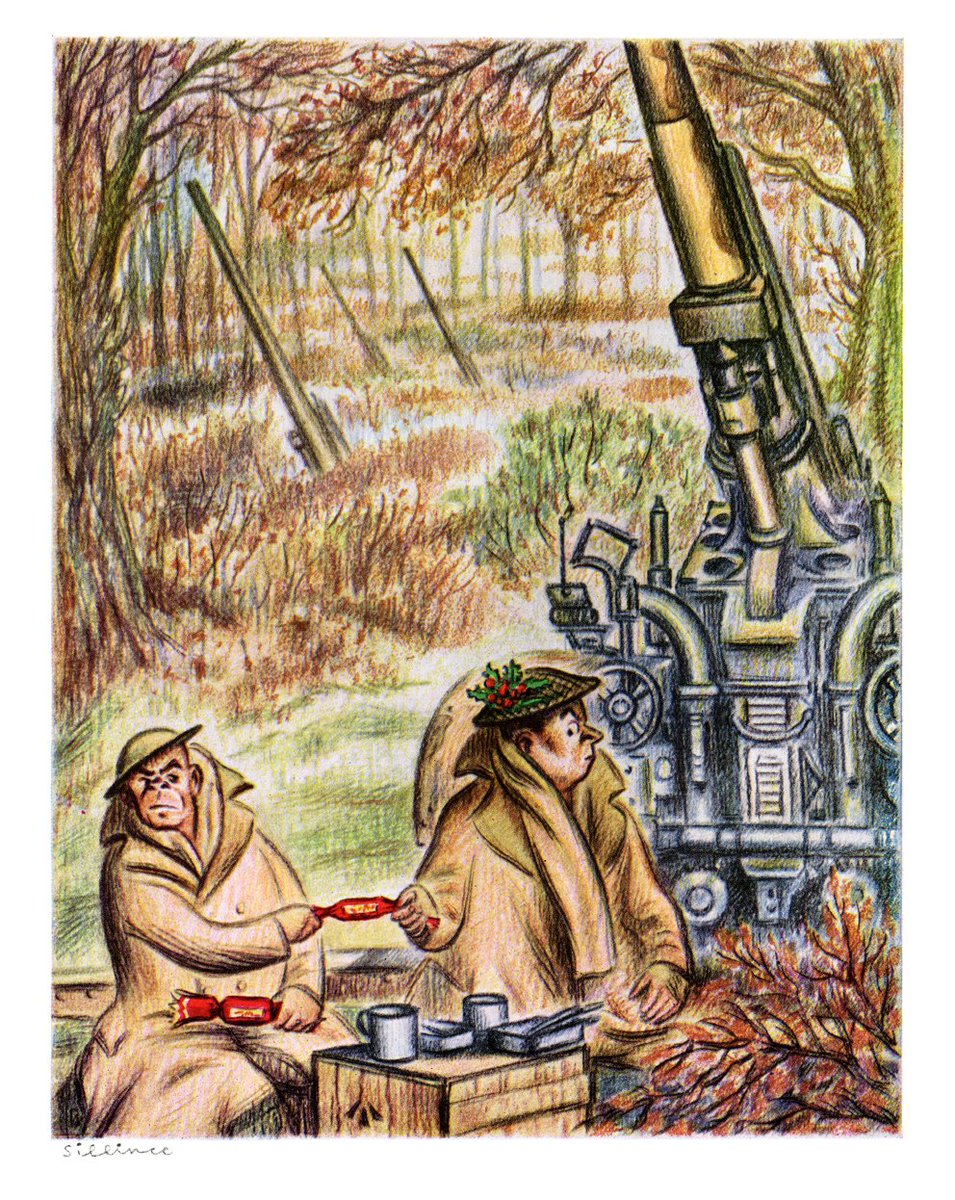
Be aware that some on DU are sensitive to Twitter content, especially since Musk took over. They're unlikely to object to a simple image as nobody will necessarily be aware of where it's from.
Some GIFs will display on DU, but it's hit or miss whether you can find one that ends with the suffix .gif - some GIF hosting sites have sharing tools which will help.
You can also post YouTube content. You just need to copy the URL from your browser's navigation box and paste it, and it should embed and play when clicked on.

Demsrule86
(71,555 posts)can rehost as well. PM if you have questions.

lpbk2713
(43,299 posts)Some times the image you want to post will take up the whole page. Some
times it will be to small, as if there is text in it that needs to be enlarged.
Hekate
(100,133 posts)…some really outstanding photographers.