Welcome to DU! The truly grassroots left-of-center political community where regular people, not algorithms, drive the discussions and set the standards. Join the community: Create a free account Support DU (and get rid of ads!): Become a Star Member Latest Breaking News Editorials & Other Articles General Discussion The DU Lounge All Forums Issue Forums Culture Forums Alliance Forums Region Forums Support Forums Help & Search

A HERETIC I AM

(24,891 posts)
8. One important thing that a LOT of people apparently don't do.....
Tue Dec 20, 2022, 09:30 AM
Dec 2022

is to hit the "Preview" button BEFORE hitting the "Post My Thread" or "Post My Reply" button.

If you preview a post into which you have added a pic and it has text after the ".jpg" or .png or whatever, that text is not necessary.

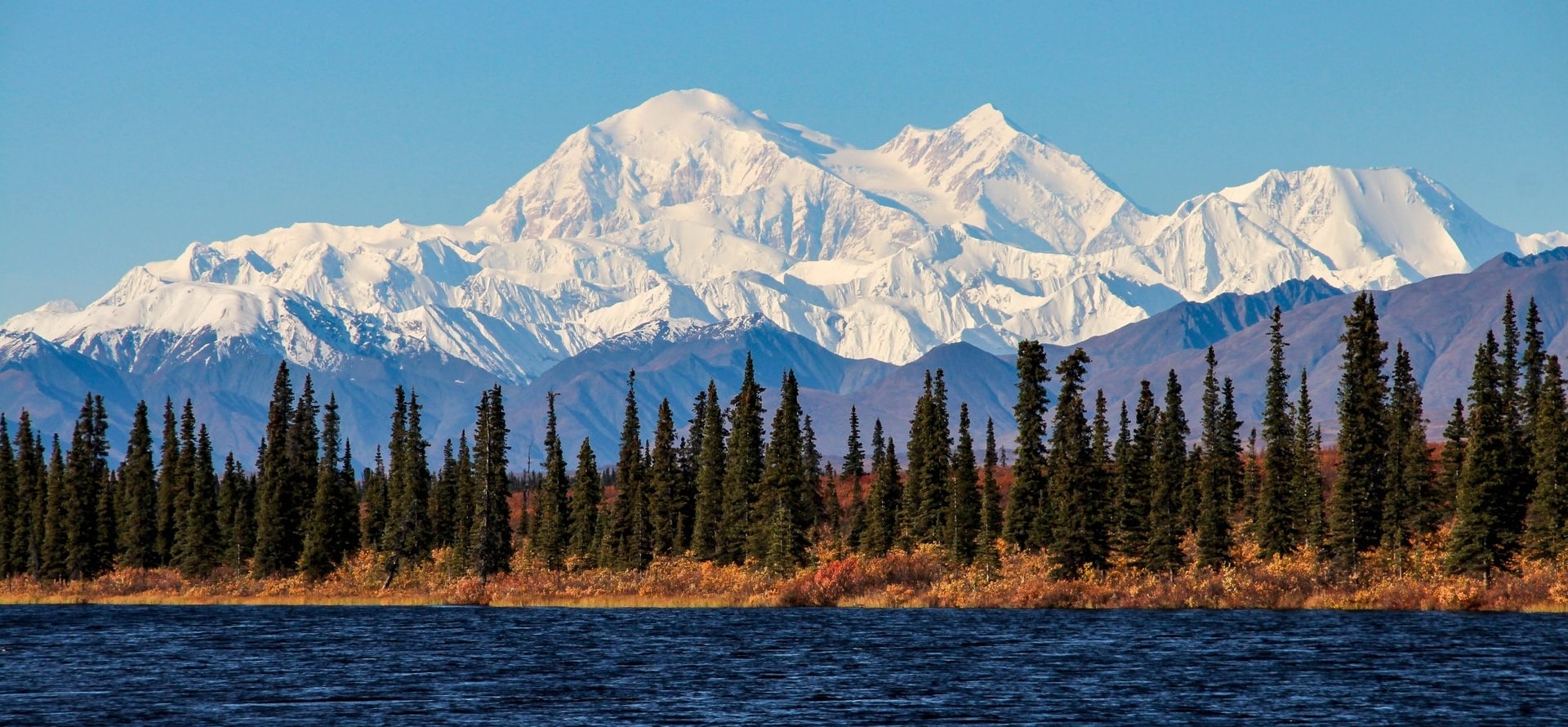
For instance, I'll put up a random picture of a mountain I find by Googling "Mountains". I use Firefox as a browser, so when I go to Google images, and choose a pic by clicking on it, it appears in a window alongside the main window of images. I then right click and choose "Open image in new tab". This give you a clear look at the URL you are going to copy and paste to your DU post. Sometimes images will have text or symbols after the .jpg at the end. If they appear at the bottom of the photo when you hit Preview, it will look like this;

odne83k


That "odne83k" (which I intentionally added to make the point) is code the software does not need to put up the pic, so I go back to the text box and remove it, so the pic shows up like this;


The same goes for Twitter posts so many, including me, like to post on DU.
Using their share feature adds a bunch of useless code that can be removed to make your post look cleaner, like this;

Normal Twitter link code;


?s=20&t=M9CFeUhofH5eghTSHhk-DQ


It's obvious that everything from the question mark onward is not needed, so I'll go back and remove it.


Makes for a much cleaner looking post.

Have fun!

Recommendations

0 members have recommended this reply (displayed in chronological order):

Can pictures be posted here? [View all] Woodswalker Dec 2022 OP
Yes, but you first have to upload your picture to a photo hosting site Ocelot II Dec 2022 #1
Thank you for postimages! Cha Dec 2022 #5
Hi ocelot.. I went there and Cha Dec 2022 #22
Seriously? I didn't have to do that when I signed up. ??? Ocelot II Dec 2022 #24
Ikr Very strange.. I got the Cha Dec 2022 #25
That makes me suspect there could be something unwanted on your computer. Hermit-The-Prog Dec 2022 #27
It's my iphone but year I get Cha Dec 2022 #28
Yes, they can. CaliforniaPeggy Dec 2022 #2
Aloha, Peggy.. how do you get Cha Dec 2022 #23
I post pictures using Twitter. Archae Dec 2022 #3
If you know how, yes. RockRaven Dec 2022 #4
Mahalo for asking.. I just Cha Dec 2022 #6
Thanks all.. Woodswalker Dec 2022 #7
One important thing that a LOT of people apparently don't do..... A HERETIC I AM Dec 2022 #8
Thank you! I had given up ranting about url trimming on so many posts! It drives me bonkers. Celerity Dec 2022 #10
Me too! A HERETIC I AM Dec 2022 #13
part of the reason is that the site's software is not coded to remove it, nor can you copy an image Celerity Dec 2022 #14
Wait....I'm missing something. A HERETIC I AM Dec 2022 #15
missing the point, I was showing how many do not use the link button correctly Celerity Dec 2022 #18
AH! I see. Got ya. A HERETIC I AM Dec 2022 #19
+1 Celerity Dec 2022 #20
Ty for the heads up. So far I've only posted my own screen grabs. electric_blue68 Dec 2022 #16
You're welcome! A HERETIC I AM Dec 2022 #17
As well as the methods explained in the first two replies, Emrys Dec 2022 #9
+1 Celerity Dec 2022 #11
Sure...I like Imgur...in many cases you can right click and get the needed address...in Imgur you Demsrule86 Dec 2022 #12
You can specify the size of your image in Postimages too. lpbk2713 Dec 2022 #21
Bookmarking for all the great replies. You should also check out the Photography group. DU has... Hekate Dec 2022 #26
Latest Discussions»General Discussion»Can pictures be posted he...»Reply #8